Why MacroWA: 7 advantages for your WhatsApp business
Meet MacroWA and seven advantages for Malaysian SMEs: QR-code or official API connection, AI agents that reply in Malay, and automatic hand-off to staff.
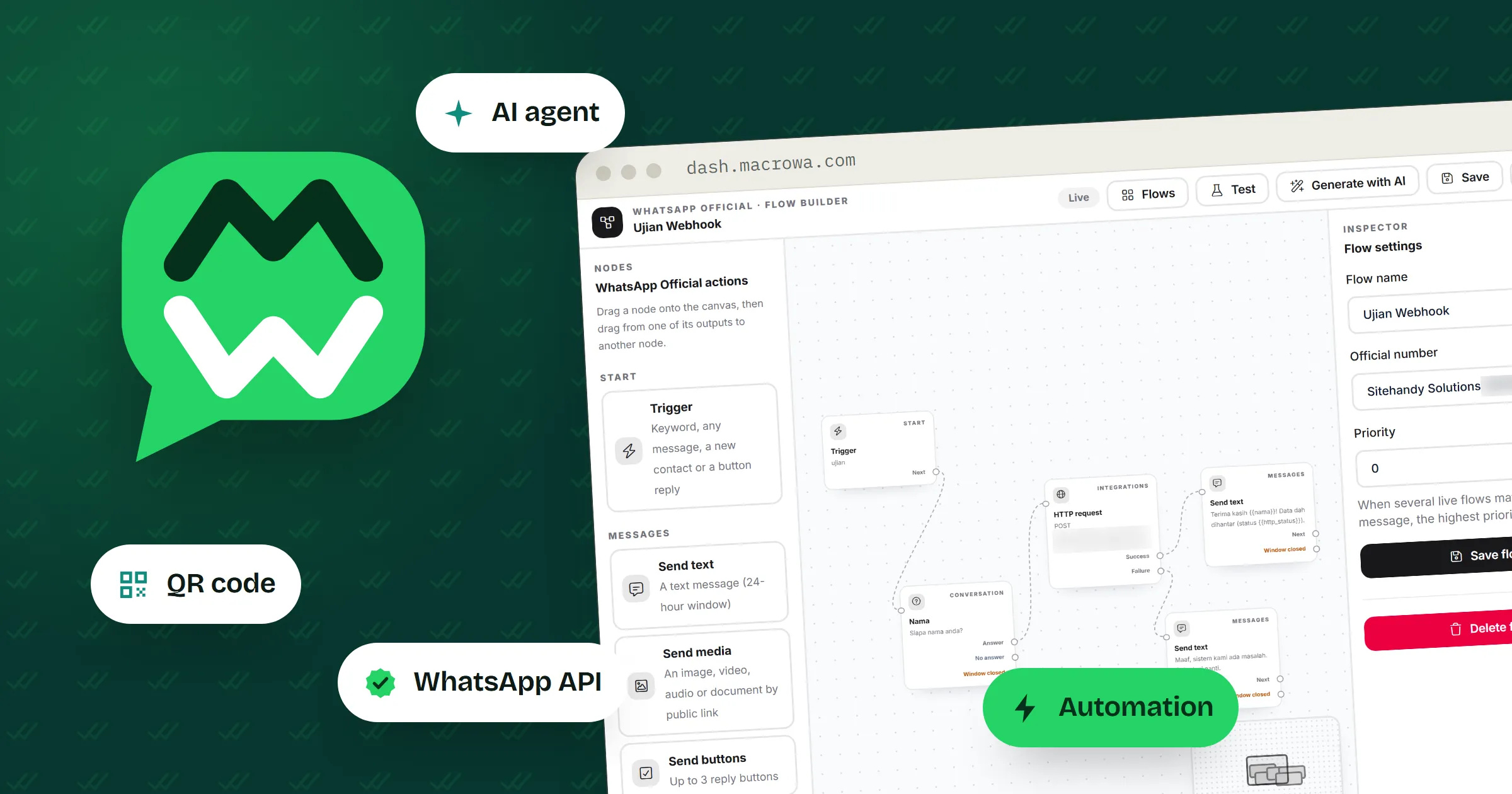
This post introduces MacroWA to business owners, online sellers, agencies and support teams who already sell or answer customers on WhatsApp. It explains what MacroWA does and the seven advantages we think matter most. Each one comes with an example from an ordinary working day in Malaysia.
What MacroWA is
MacroWA is a WhatsApp marketing, automation and AI platform from Sitehandy Solutions, a Malaysian company. It puts your WhatsApp numbers, contacts, campaigns, chatbots, AI agents and automation flows in one dashboard.
Most small businesses start on WhatsApp with one phone and one person who answers it. That works until the person goes on leave, or twenty customers ask “harga berapa?” in the same hour after a TikTok live. MacroWA is for the point where one phone is no longer enough.
1. Connect with a QR code today, add the official API later
You can connect a number in two ways, and you manage both from the same dashboard.
- Quick start: connect by scanning a QR code with your phone. You can send messages, run campaigns and switch on automation within minutes.
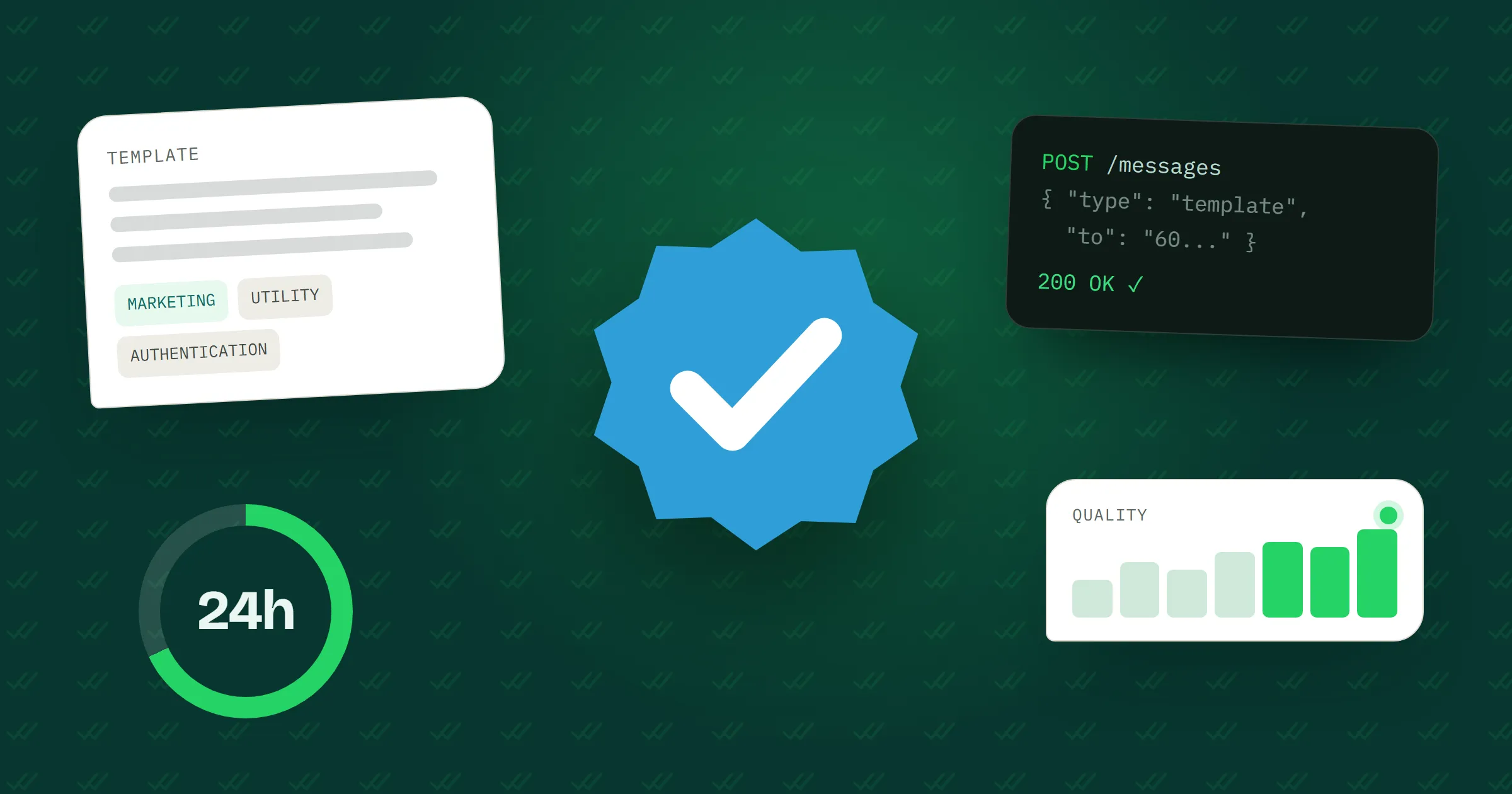
- The official WhatsApp Business API: Meta’s own platform, connected through Meta’s sign-up window with no developer needed. You get approved message templates, higher volume and a shared Inbox. You can also request Meta’s blue checkmark, although Meta decides who qualifies.
Take a baju kurung shop in Shah Alam. During the Raya rush, the owner connects the shop’s number by QR code because it takes a few minutes. After Raya, they connect a second number through the official API to send approved templates to customers who agreed to hear about new collections. Both numbers sit on the same Devices page, each with its live connection status.
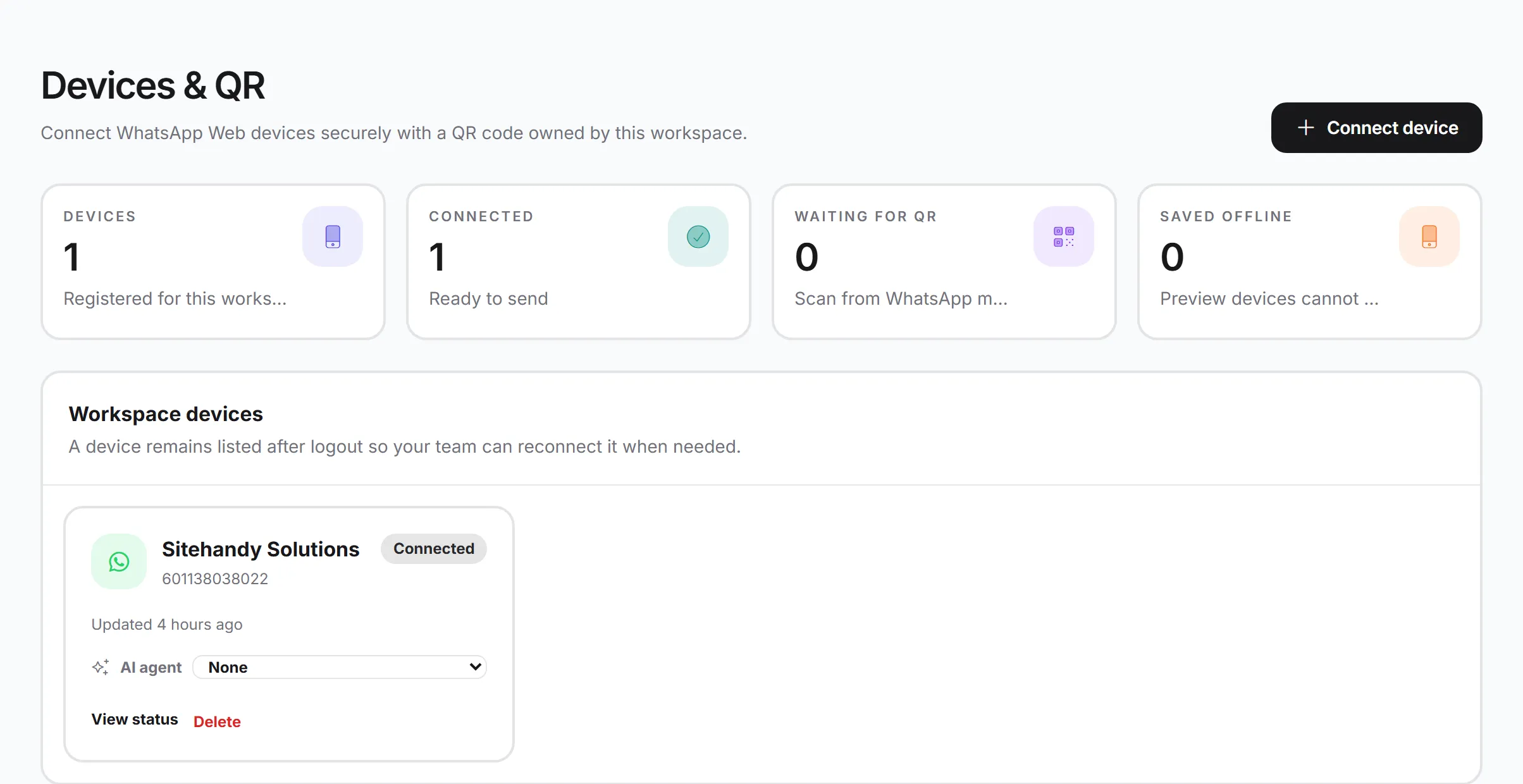
If you are choosing between the two, What is the WhatsApp Business API? explains the difference, and the WhatsApp API page lists what you get on the official option.
2. AI agents that answer from your own information
A MacroWA AI agent replies to customers using what you teach it. You set up each agent in plain fields:
- Role: who the agent is, its tone and its language, Bahasa Melayu or English.
- Constraints: rules it must follow, such as “never offer a discount” or “hand over to staff when unsure”.
- Knowledge: your products, prices and FAQs.
- Media library: images and PDFs with a short description each, so the agent sends the right file.
- Links: URLs it can share when they are relevant.
- Knowledge URLs: pages on your website that the agent reads and refreshes every day.
A home-tuition centre in Seremban adds its fee table, a timetable PDF and one constraint: never promise a tutor, note the parent’s area and the child’s level, then hand over. A parent messages at 11pm: “Ada cikgu Matematik Tingkatan 3 untuk kawasan Rasah?” The agent replies in Malay with the fee for Form 3 Mathematics, sends the timetable and tells the parent that the admin will confirm a tutor in the morning.
You can create several agents, for example one per brand or product line, and assign each one to a WhatsApp number. Before an agent talks to customers, test it in the “Try the agent” panel. If your plan includes it, you can also connect your own OpenAI or Z.ai key, and AI replies then don’t use your plan credits.
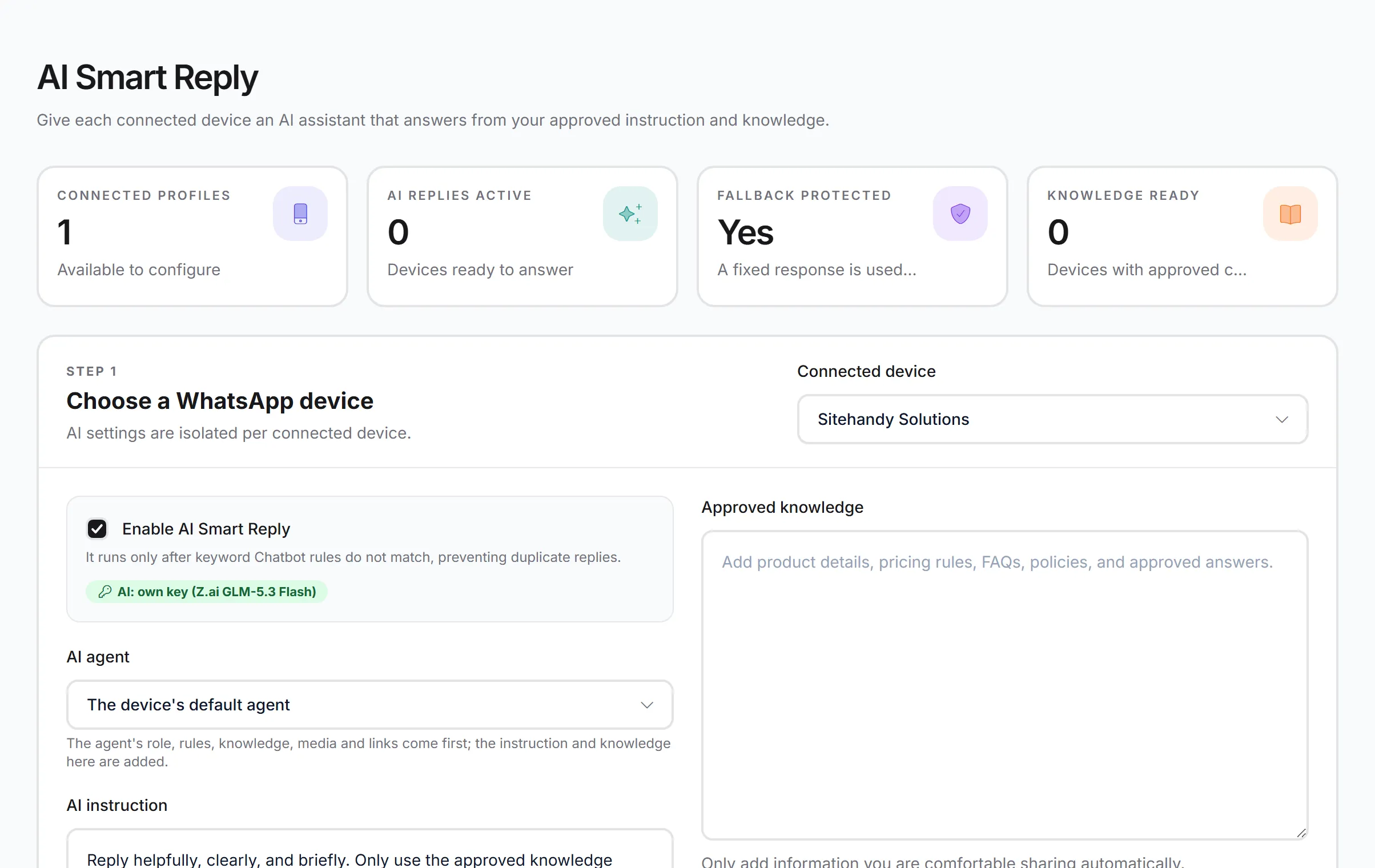
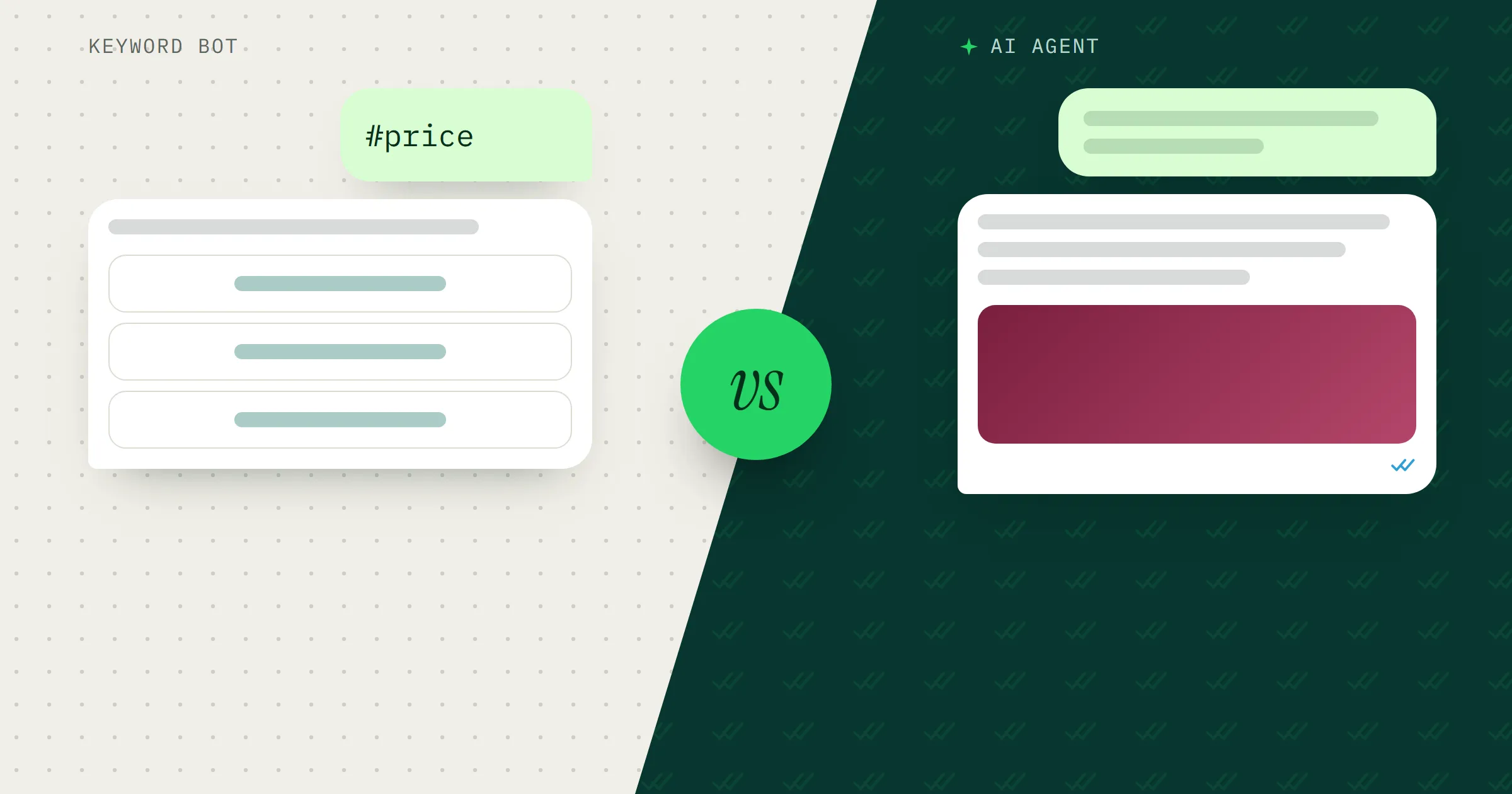
There is more on the AI page, and in chatbot vs AI agent if you are still choosing between the two.
3. Flows that ask questions and pass the answers to your other tools
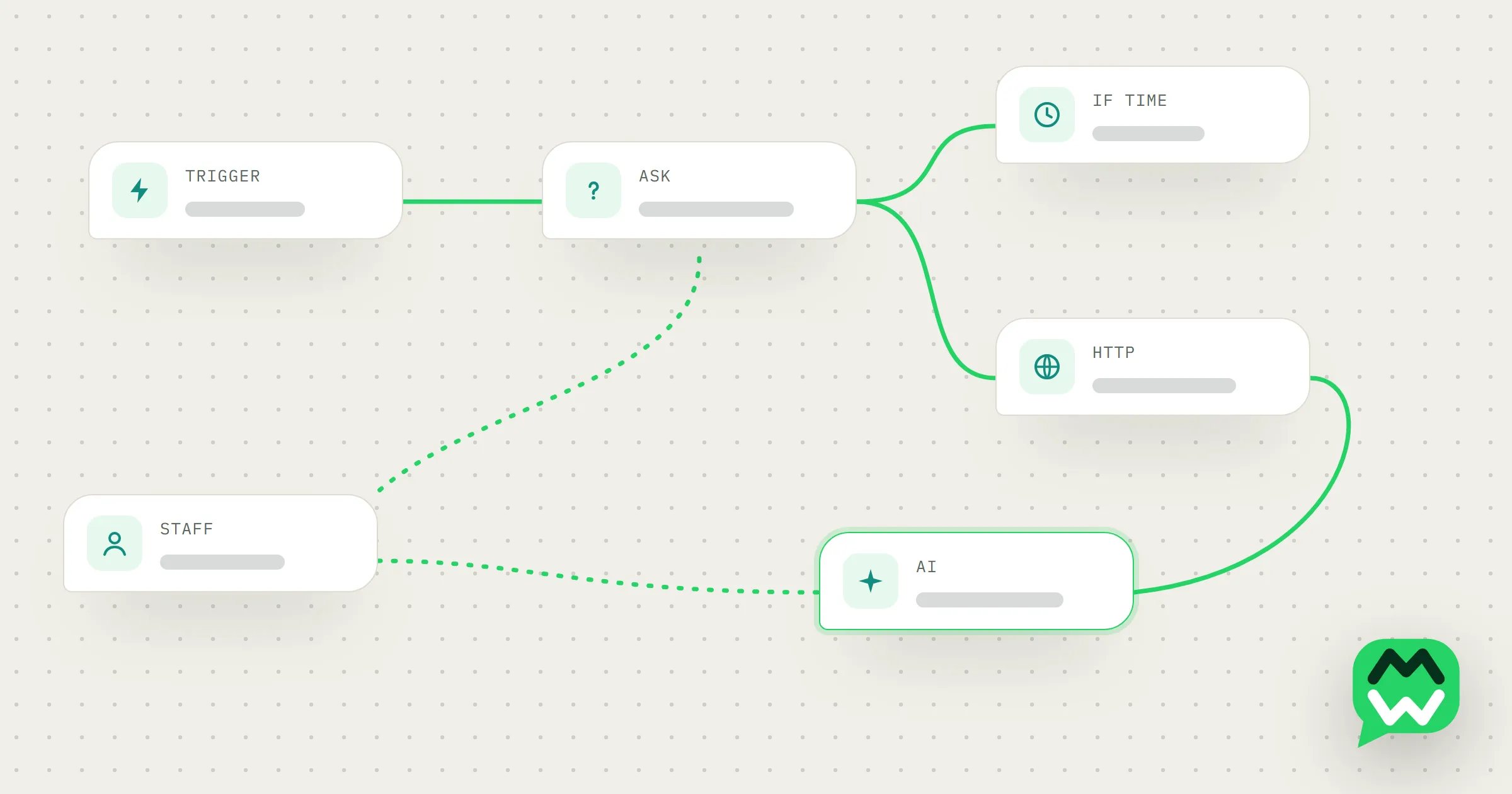
The flow builder is a drag-and-drop canvas. A flow starts from a trigger, such as a keyword or a new contact, and each step can branch. A question has one path for an answer and another for no answer. A condition sends customers down different paths based on their answer, a contact field or the time of day. An HTTP request has a success path and a failure path.
The HTTP request is how flows reach your other tools: it can send data to your CRM, Google Sheets, n8n or Zapier, and use the response in the next message.
A car-rental agent in Johor Bahru sets the keyword “sewa” as the trigger. The flow asks for the pickup date, the return date and the type of car, and saves each answer. It then sends the details to a Google Sheet. If that works, the customer gets a message saying a quote is on the way. If it fails, the flow hands the chat to a staff member, so the enquiry still reaches a person.
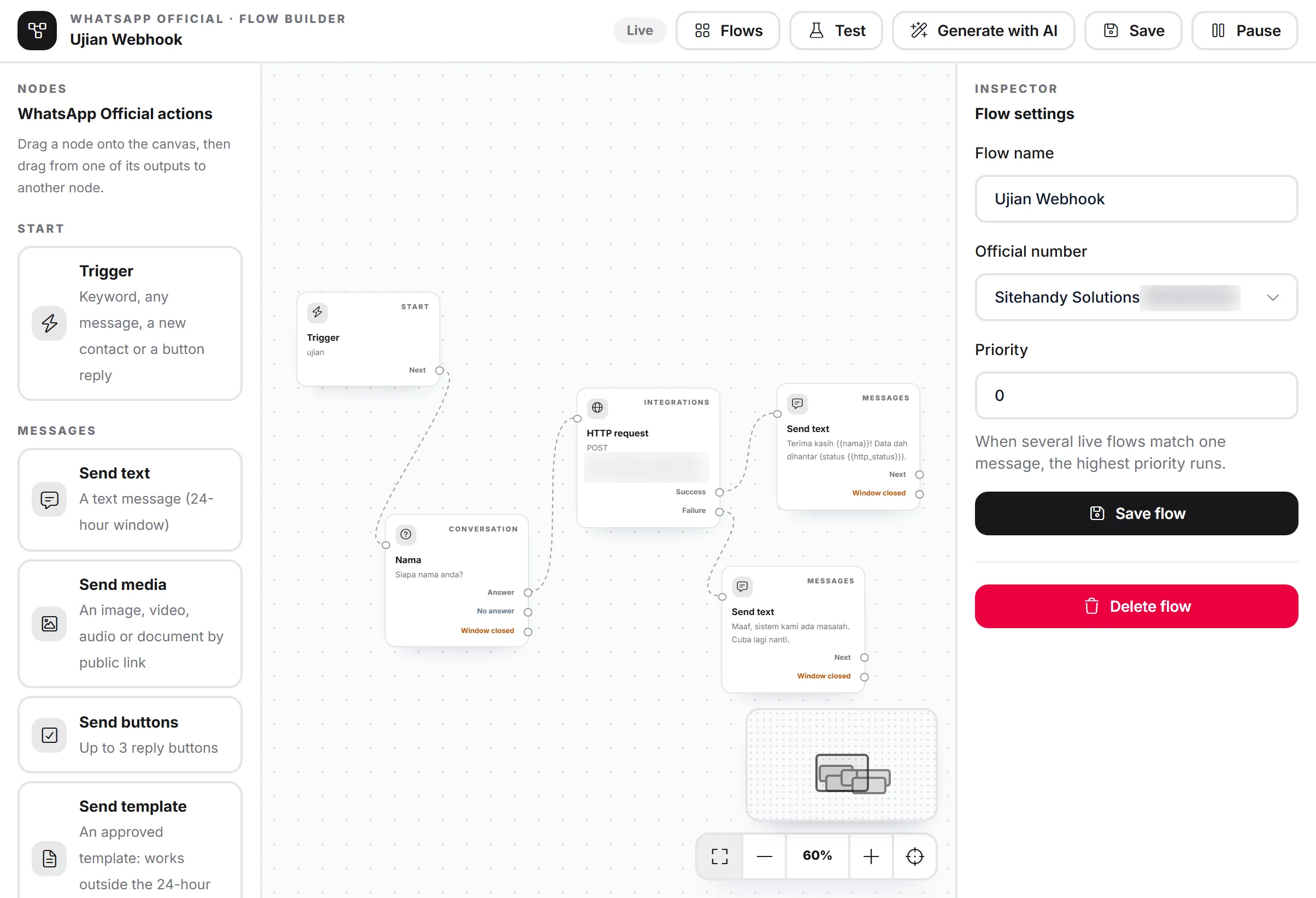
To skip the blank canvas, describe the flow in plain words and MacroWA drafts it for you to edit. Each run is saved on a step-by-step timeline, so when a customer says the bot didn’t reply, you can see where the flow stopped. If you work with a developer, the REST API and signed webhooks let your own app or online store send messages and receive incoming ones.
There are more examples in our post on automation flows.
4. The bot goes quiet when your staff reply
When a staff member replies to a customer, from the phone or from the dashboard, MacroWA pauses the bot for that customer. The pause lasts 30 minutes by default, and you can change it.
A clinic in Kuantan uses an AI agent to answer questions about opening hours and how to book. A patient writes in about a rash after starting a new medicine. The nurse replies from the clinic phone, and the bot stops answering that patient, so no automatic reply lands in the middle of a medical conversation. Every other patient still gets an instant answer.
5. Opt-in and opt-out, handled for you
WhatsApp’s Business Messaging Policy says you may only message people who gave you their number and agreed to receive messages from you. You must also respect every request to stop. MacroWA handles the day-to-day part of that:
- A customer who replies STOP or BERHENTI is opted out, and opted-out contacts are never messaged.
- A customer who replies YA, SETUJU or START is opted back in.
- Campaigns only go to opted-in contacts.
Getting permission in the first place is still your job, for example with a tick box on your order form. After that, MacroWA keeps track of each contact’s answer. Our WhatsApp Business tips cover good habits for campaigns.
6. Clear numbers on the official API
Meta prices the official API per message. The rate depends on the message category, such as marketing, utility or authentication, and some messages are free. You pay these fees to Meta directly. MacroWA charges only for platform features.
To help you follow that bill, the Costs & usage report shows billable and free messages by category, with monthly and daily charts and an estimated cost. You can export it as CSV and compare it with Meta’s own numbers.
The official API overview also shows each number’s quality rating, messaging limit tier and account status, with links that open WhatsApp Manager. In the Inbox, every chat shows its 24-hour window. That window opens when a customer messages you. Once it closes, you can only send an approved template, and MacroWA’s flows follow that rule.
At month end, the tuition centre owner exports the report to see how many marketing messages the new-term promotion used, and files it with that month’s accounts.
7. Built for a team, set up for Malaysia
Invite staff with roles and permissions, while the owner keeps full control. The activity log shows who did what and when. Accounts support two-factor authentication, secrets are encrypted and backups run daily. An agency can manage several brands, numbers and AI agents from one account. MacroWA also supports the Malaysia time zone and Bahasa Melayu.
Trying MacroWA
Every plan starts with a 7-day free trial. You can pay monthly or yearly, and your first payment comes with a 30-day money-back guarantee. Features and limits depend on the plan; see pricing.
For the full feature list, see Features. Answers about setup, Meta’s fees and refunds are in the FAQ. If you would rather talk it through with a person first, contact us.