Features
Everything your business needs on WhatsApp.
MacroWA brings everything your business needs on WhatsApp into one dashboard. Connect your numbers in minutes, send campaigns, reply instantly with AI agents that know your products, and build visual flows that qualify leads, collect information and hand over to your team at the right moment.
01WhatsApp messaging
Quick start with a QR code.
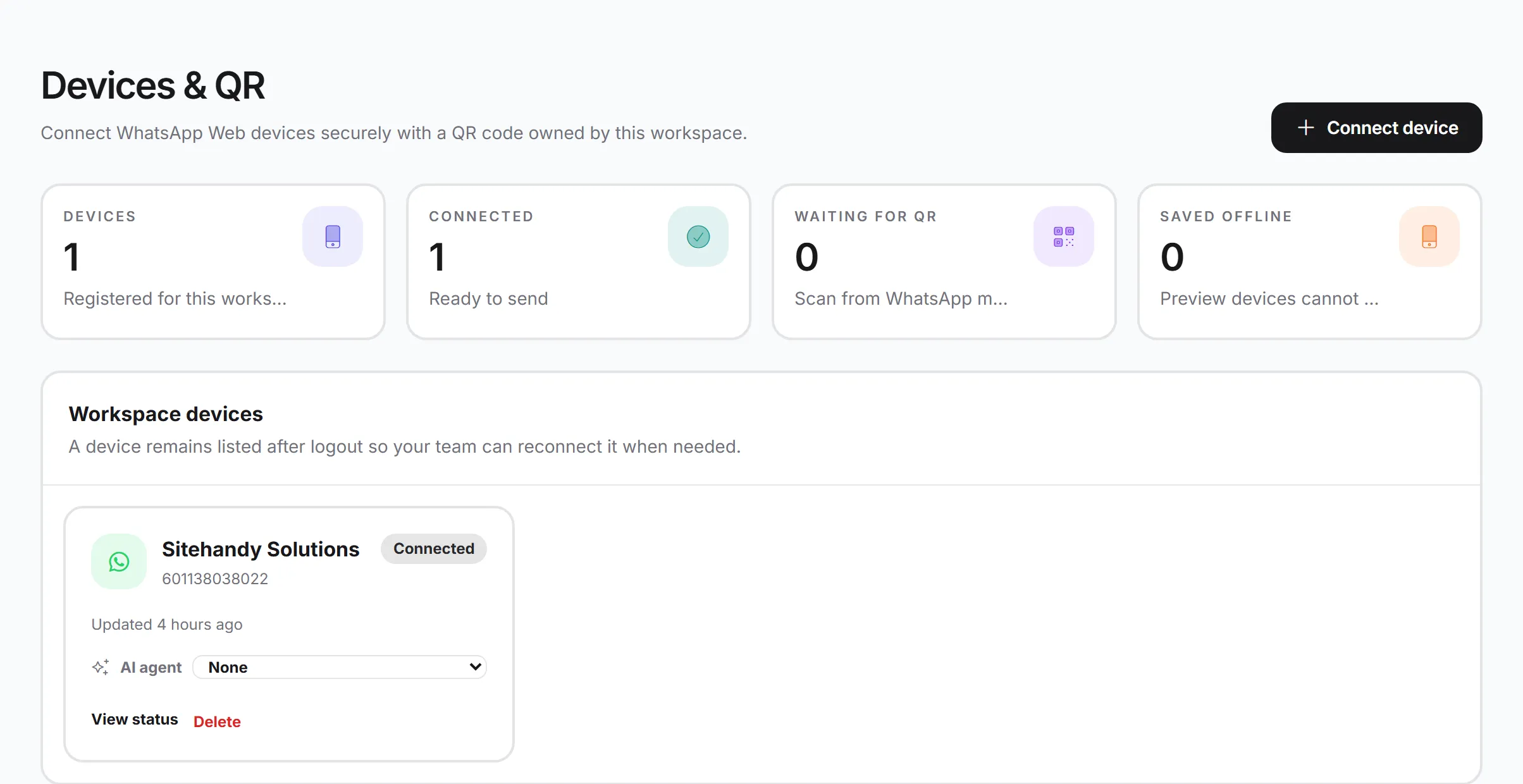
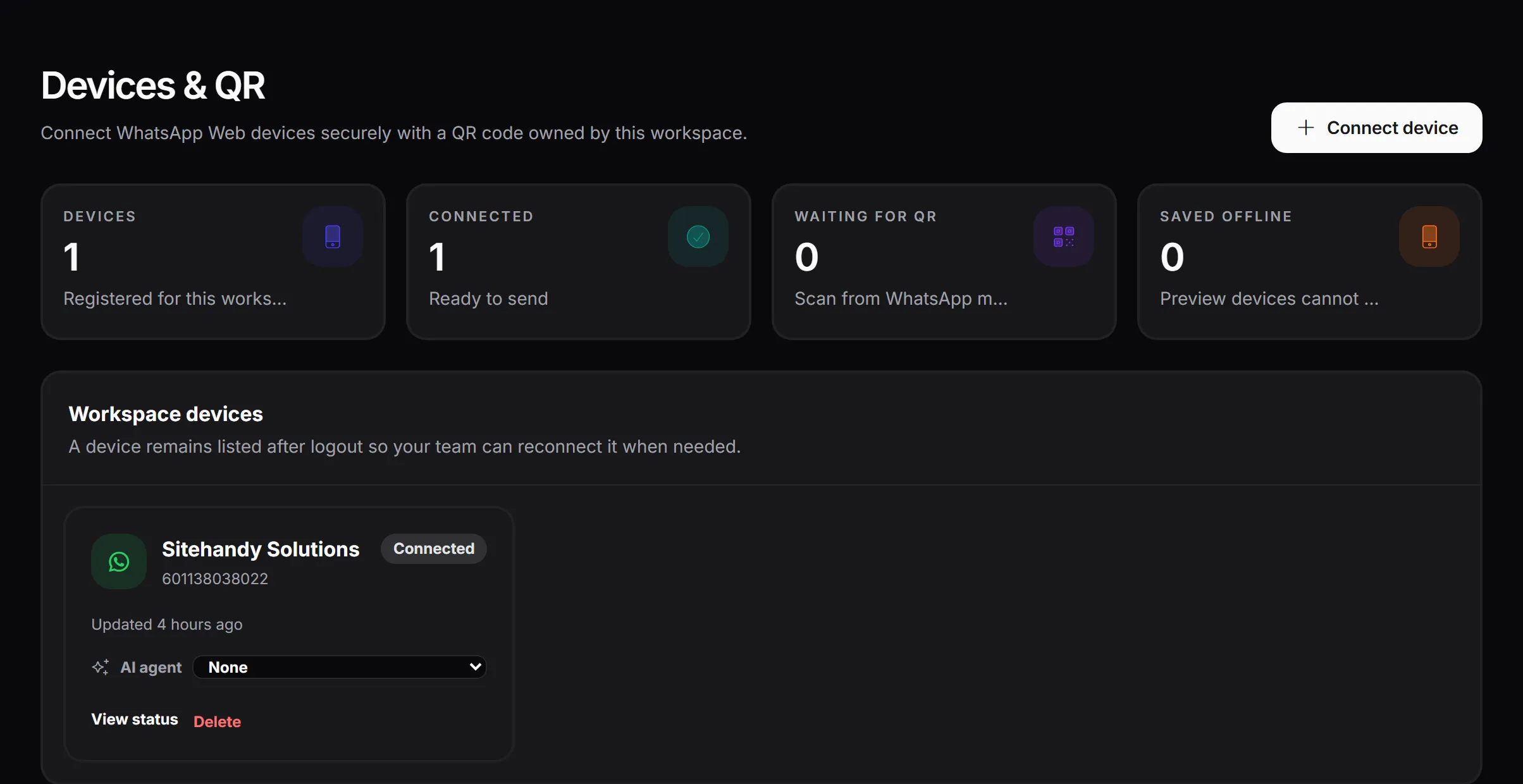
Connect one or more WhatsApp numbers by scanning a QR code, and start messaging, automating and running campaigns in minutes.
- 01
Multiple numbers
Connect several WhatsApp numbers and manage them from one dashboard, with live connection status.
- 02
Contacts & groups
Import contacts (CSV), organise them into groups and tags, and keep custom fields.
- 03
Quick Send
Send a one-off text, image, video, audio or document in seconds.
- 04
Templates
Save reusable message templates, with AI help to write them.
- 05
Bulk campaigns
Send campaigns to opted-in contacts, with a random delay between messages, quiet hours, scheduling and live progress.
- 06
Auto Reply
Reply automatically to keywords, any message or new contacts.
- 07
Chatbot
Keyword-based chatbot items with text, media and AI answers.
- 08
AI Smart Reply
Let AI answer anything your keywords don't cover, using your own knowledge.
- 09
Visual automation flows
Drag-and-drop flows with branches.
- 10
Staff hand-off
When your staff reply from the phone or the dashboard, the bot pauses for that customer automatically (30 minutes by default, adjustable).
- 11
Consent management
Opt-out keywords (STOP, BERHENTI…) and opt-in keywords (YA, SETUJU, START…). Opted-out contacts are never messaged.
- 12
Activity & reports
Delivery log, read status, bot activity and reports.
- 13
API & webhooks
Send messages from your own system and receive incoming messages and status updates.
02Visual automation flows
Build conversations that think for themselves.
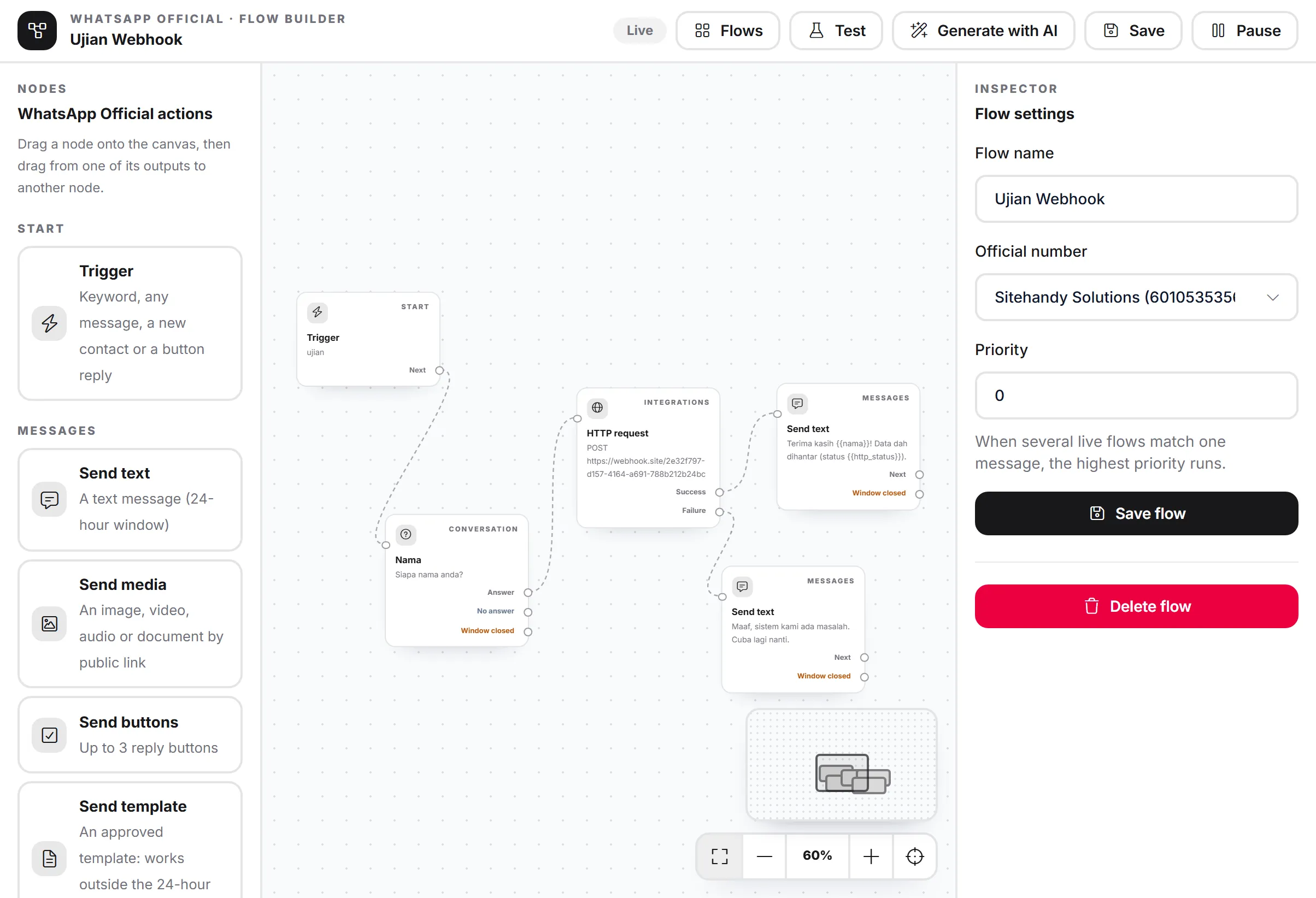
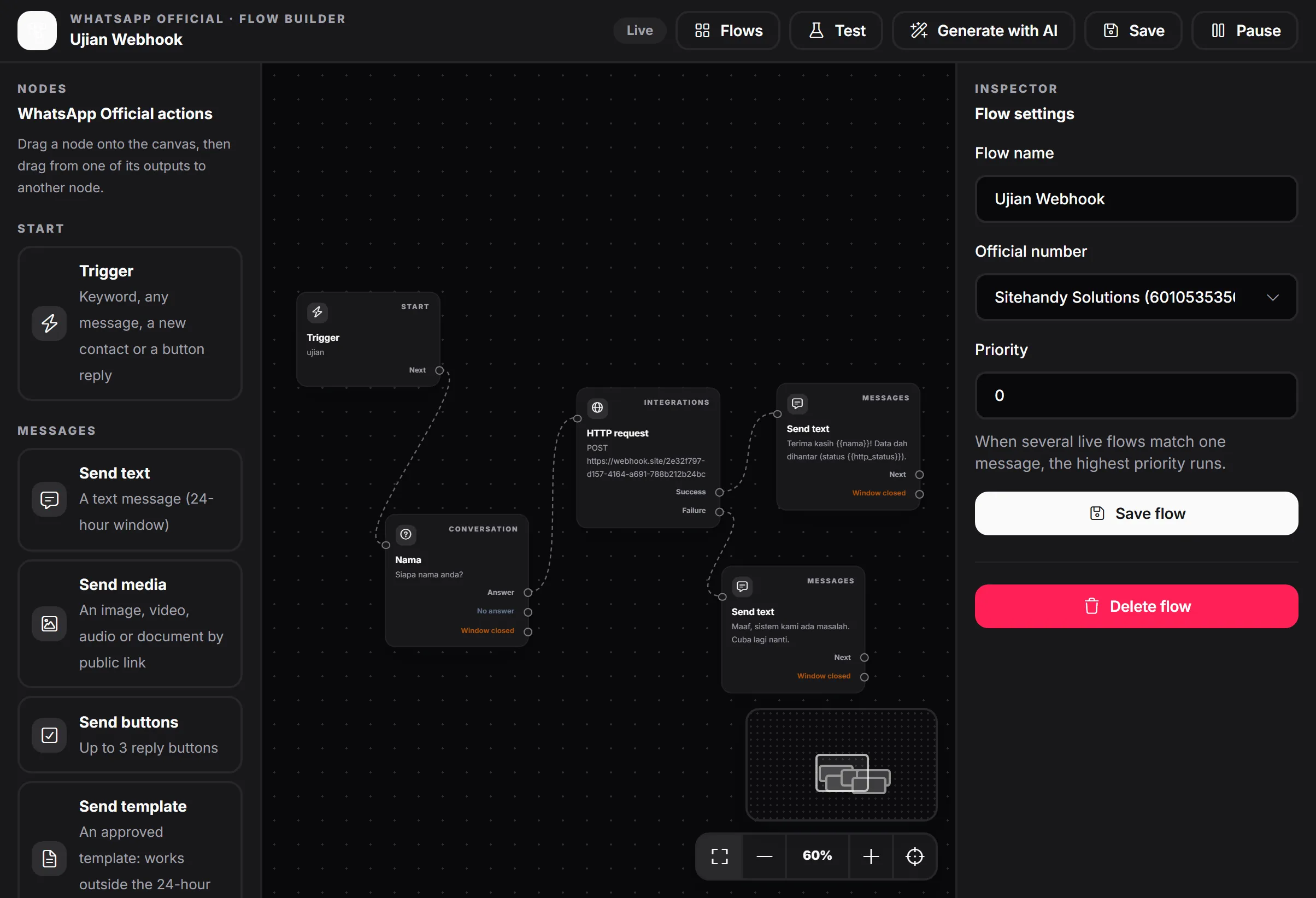
Design WhatsApp journeys on a drag-and-drop canvas. Flows can branch: every question, condition and request has its own paths. Available on both connection options.
- 01
Triggers
Keyword (exact, contains, pattern), any message, new contact, button or menu reply.
- 02
Send
Text, media, buttons or menus, and approved templates.
- 03
Ask a question
Save the answer into a variable, with answer, no-answer and per-option branches.
- 04
Conditions
Branch on answers, contact fields, message text or time of day.
- 05
Delays
Wait minutes or hours before the next step.
- 06
Contact actions
Add or remove tags and groups, opt in or opt out.
- 07
Hand off to a human
Pauses the bot for that customer.
- 08
AI reply
Answer with one of your AI agents.
- 09
HTTP request / webhook
Send data to your CRM, Google Sheets, n8n or Zapier, and use the response in later messages, with success and failure branches.
- 10
WhatsApp Flow form
Send an interactive Meta form (official API).
- 11
Generate with AI
Describe the flow in plain words and get a draft.
- 12
Priority & run history
Choose which flow wins, and replay every run on a step-by-step timeline.
03Workspace, teams & platform
Built for a team, not one phone.
Teams & roles
Invite team members with roles and permissions; owners keep full control.
Channel Hub
Connect your social channels in one place.
Files
A media library for images, videos and documents, used across the app.
Credits & usage
Transparent AI credit usage per feature.
Activity log
See who did what and when.
Plans & billing
Choose a plan that fits; features and limits scale with your plan.
Support
Built-in support tickets.
Affiliate program
Earn commission by referring other businesses.
Security
Two-factor authentication, CAPTCHA on sign-in, encrypted secrets and daily backups.
Malaysia-ready
Malaysia time zone and Malay language support.
04Use cases
Who uses it, and how.
- Online sellers
- Answer price and stock questions instantly, send catalogues and order links.
- Agents & resellers
- Qualify leads with questions, collect details and send them to your CRM.
- Service businesses
- Bookings through WhatsApp Flows, reminders with templates.
- Support teams
- A shared inbox; the bot handles FAQs and staff take over when needed.
- Agencies
- Manage several brands, numbers and AI agents from one account.
Ready to grow on WhatsApp? Start with MacroWA today.
Connect a number, teach your AI agent and switch on your first flow.
7-day free trial. Monthly or yearly plans. 30-day money-back guarantee on your first payment.