WhatsApp chatbot or AI agent: which one do you need?
A keyword chatbot sends the same reply every time. An AI agent answers questions you never planned for. When to use each, and how to run both together.
This guide is for shop owners, tuition centres, rental agents, clinics and support teams who answer the same WhatsApp questions every day. It explains what a keyword chatbot does, what an AI agent does, and where each one goes wrong. You also get the setup we suggest for most small businesses, with example rules you can copy into your own agent.
What a keyword chatbot does
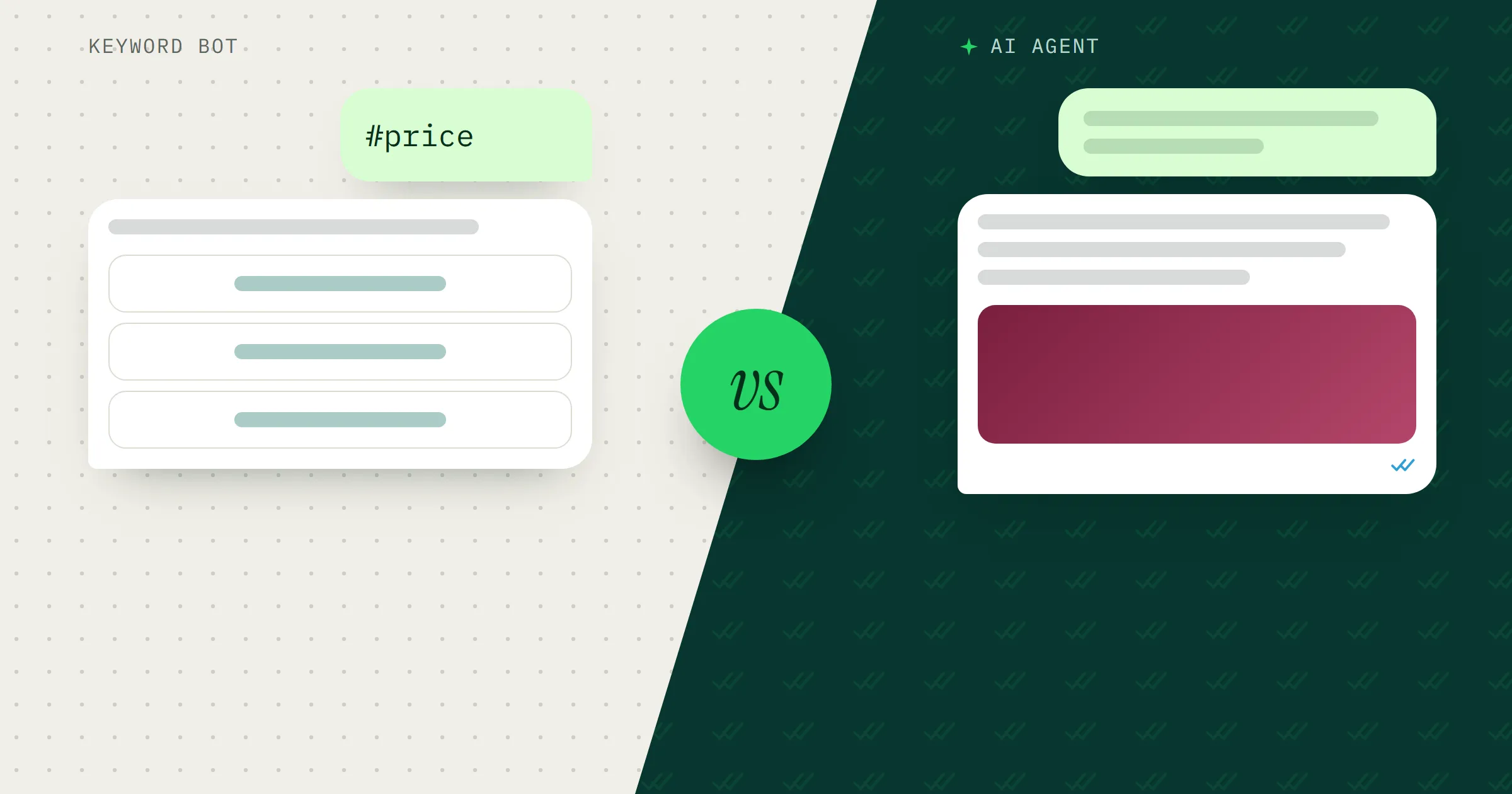
A keyword chatbot waits for a word and sends the reply you wrote for it. A customer types “harga”, and the bot sends your price list. The answer is the same every time, word for word.
In MacroWA, a chatbot reply can be text or media, such as a photo of your price list. On the official WhatsApp Business API you can also add up to 3 reply buttons, so the customer taps “Price list” or “Talk to staff” instead of typing. That is Meta’s limit, and labels max out at 20 characters.
The official API also gives you bot rules:
- Priority decides which rule answers when a message matches more than one.
- A fallback is the reply sent when nothing matches.
- Business hours let the bot behave differently when you are closed. A clinic can answer “We are closed now. We open at 9 am tomorrow.” at night.
You always know what a keyword bot will say, but it only knows the words you gave it. A customer who types “hrga brp sis?” won’t match your “harga” keyword, and a long message with three questions in it is hard to catch with single words.
What an AI agent does
An AI agent reads the customer’s message and writes an answer from what you taught it. “Ada saiz XL warna maroon?” (Do you have XL in maroon?) is hard for a keyword bot, because the answer depends on size, colour and stock. If the agent’s knowledge lists the sizes and colours you carry, it can say whether XL comes in maroon, send the matching photo and add your order link.
Each MacroWA agent is built from six parts:
- Role: who it is, its tone and its language. You can tell it to reply in Malay or English.
- Constraints: rules it must follow, such as never giving discounts.
- Knowledge: your products, prices and FAQs.
- Media library: images and PDFs with descriptions, so the AI picks the right one to send.
- Links: URLs it can share when relevant, such as your order page.
- Knowledge URLs: pages from your website that it reads and refreshes daily.
You can create several agents, for example one per brand, and give each WhatsApp number its own. AI Smart Reply is the setting that lets an agent answer any message your keywords don’t catch.
Keyword chatbot vs AI agent, side by side
| Keyword chatbot | AI agent | |
|---|---|---|
| Setup effort | One keyword, one reply. The list grows with every question. | More work up front: role, constraints and knowledge. Then it covers questions you never wrote a keyword for. |
| Predictability | The same words every time. | Wording changes from chat to chat. Facts come from your knowledge, but it can still get one wrong. |
| Unexpected questions | Falls through to a fallback reply, if you set one. | Answers from your knowledge, or hands over if your constraints say so. |
| Best for | Price lists, opening hours, location, bank details, fee tables. | Questions that combine details, like size and colour, or class level and day. |
Which questions go where
Use a keyword reply when the answer must be exact and doesn’t depend on who is asking. Bank account numbers are the clearest case, followed by opening hours, your address and a tuition centre’s fee table.
Use the AI agent for questions with details. A tuition centre gets “My son is in Form 2 and weak in Maths. Do you have a Saturday class?” A car-rental agent gets “Is there an extra charge if I drive to Kelantan?” You can’t write a keyword for every combination, but an agent with your timetable or rental policy in its knowledge can answer both.
Some questions should go straight to a person: complaints, refunds, custom orders, anything about a patient’s health and any attempt to bargain. The AI’s job there is to say someone will reply, and stop.
The setup we recommend: keywords, then AI, then your staff
For most small businesses, the best setup uses both, in layers:
- Keywords for your most common, exact questions. Scroll through last month’s chats, note how customers actually ask, and give the questions with a fixed answer a keyword reply.
- AI Smart Reply for everything else. It runs only when no chatbot rule matches, so a customer never gets two replies to one message.
- Your staff when the AI isn’t sure. Tell the agent to hand over in its constraints. When your staff reply, MacroWA pauses the bot for that customer, so the two don’t talk over each other. In a flow, a “Hand off to a human” step does this on purpose.
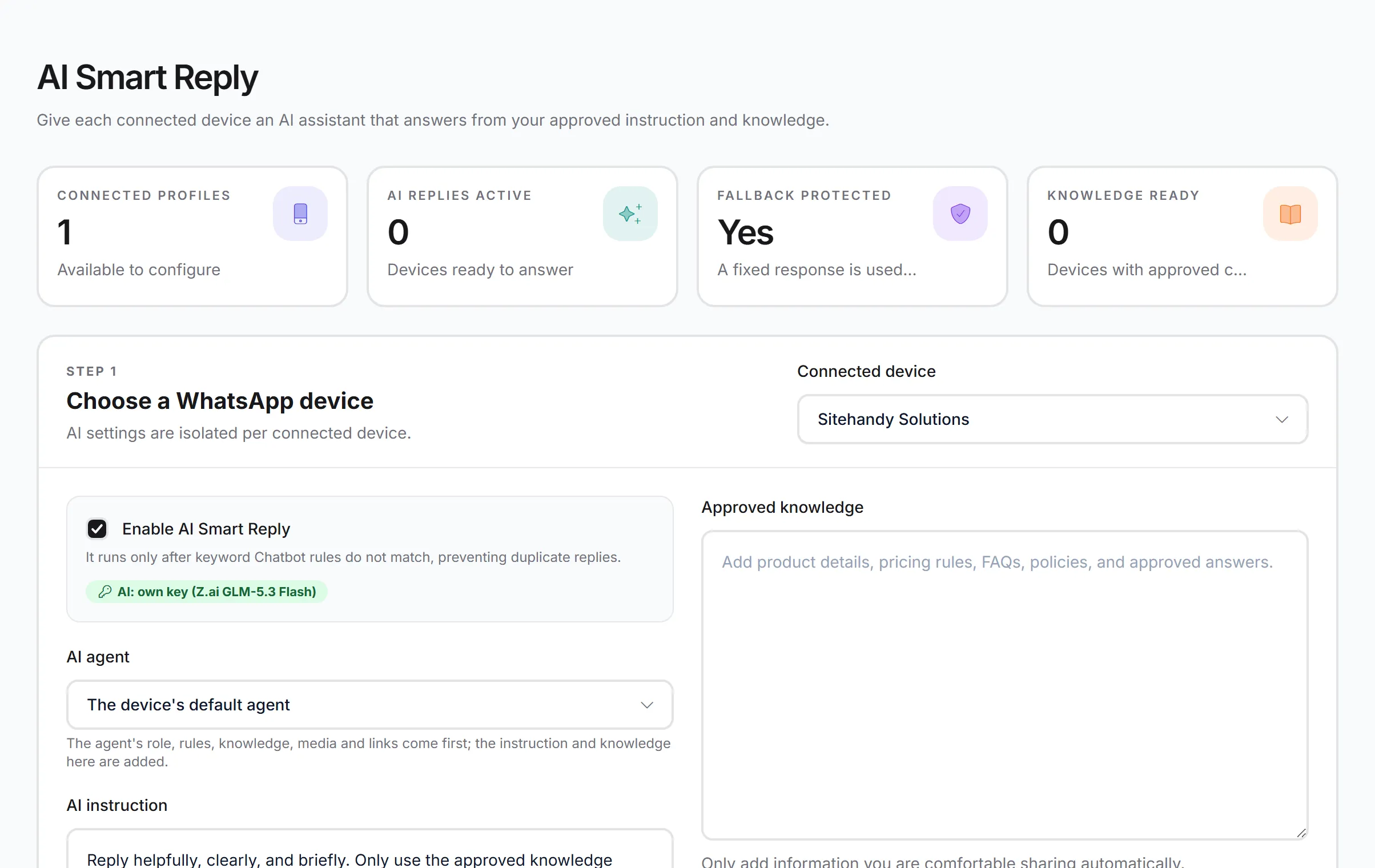
AI Smart Reply is set per WhatsApp number. The agent’s own role, rules and knowledge come first, and anything you type here is added on top.
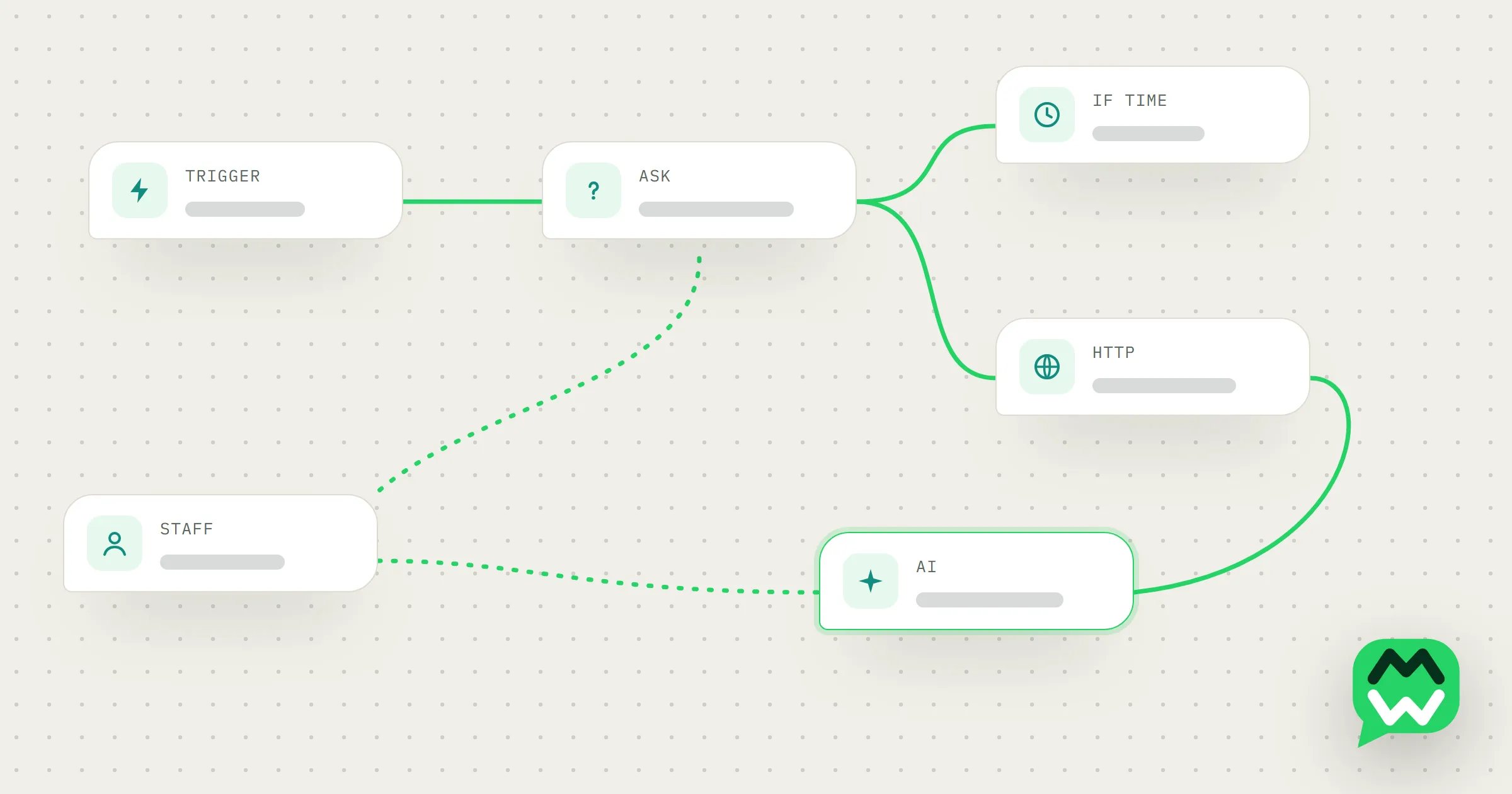
This works on both connection options: the quick start (connect by scanning a QR code) and the official WhatsApp Business API. On the official API, a customer’s message opens a 24-hour customer service window, and a bot or AI reply to that message falls inside it. Still choosing? Read what the WhatsApp Business API is.
How to write a role and constraints that hold
The role says who the agent is and how it talks. Keep it short:
You answer WhatsApp messages for a baju kurung shop in Seremban. Be friendly and brief. Reply in the language the customer uses, Malay or English. Use only the prices, sizes and colours in your knowledge.
Constraints are the rules it must not break. Write each one as a short rule, and say what to do instead:
- Never offer or agree to a discount. Say a staff member will reply about prices.
- Never promise a delivery date. Give the usual delivery time from your knowledge and say it is an estimate.
- Only confirm stock that appears in your knowledge. Otherwise, say staff will check.
- If you are not sure, or the customer is upset, say a staff member will reply soon. Don’t guess.
A clinic would add “Never give medical advice or suggest a diagnosis.” A car-rental agent would add “Never confirm that a car is free on specific dates.” And make sure someone on your team watches the chats, so every hand-over gets a reply.
Test in “Try the agent” before going live
Before any customer sees a reply, run a handful of real questions from old chats through the panel, plus the awkward ones:
- “Boleh kurang sikit?” (Can you lower the price a bit?)
- “Esok sampai tak?” (Will it arrive tomorrow?)
- A question your knowledge doesn’t cover.
- The same question in English and in Malay.
If the agent offers a discount, guesses a date or makes up an answer, tighten the constraint or fill the gap in its knowledge, then test again.
Bring your own AI key
By default, AI replies use your plan’s AI credits. If your plan includes it, you can connect your own key from OpenAI or Z.ai GLM (including the GLM Coding Plan). AI replies and AI Studio text generation then don’t use plan credits; the usage is counted on your own account with that provider. Pricing shows which plans include it.
What AI gets wrong, and how to limit it
AI can be wrong. It can misread a question, mix up two products or say something with confidence that isn’t quite right. Tight constraints lower that risk but can’t remove it. These habits help:
- Keep the knowledge current. When a price changes, update it the same day.
- Only add what you are happy for the AI to send. Anything in its knowledge can end up in a customer’s chat.
- Read the AI’s replies for the first week or two, then spot-check them. Each bad answer points to a constraint or a line of knowledge to fix.
Where to go next
The AI page shows how agents, AI Smart Reply and your own key fit together. To put keywords, questions, AI replies and hand-offs into one conversation, read how WhatsApp automation flows work. New to all this? Start with these WhatsApp Business tips or the FAQ.