WhatsApp business tips: 10 ways to get more replies
Ten practical WhatsApp tips for SMEs: get opt-in, reply after hours, segment contacts, use buttons, hand over to staff and keep your number healthy.
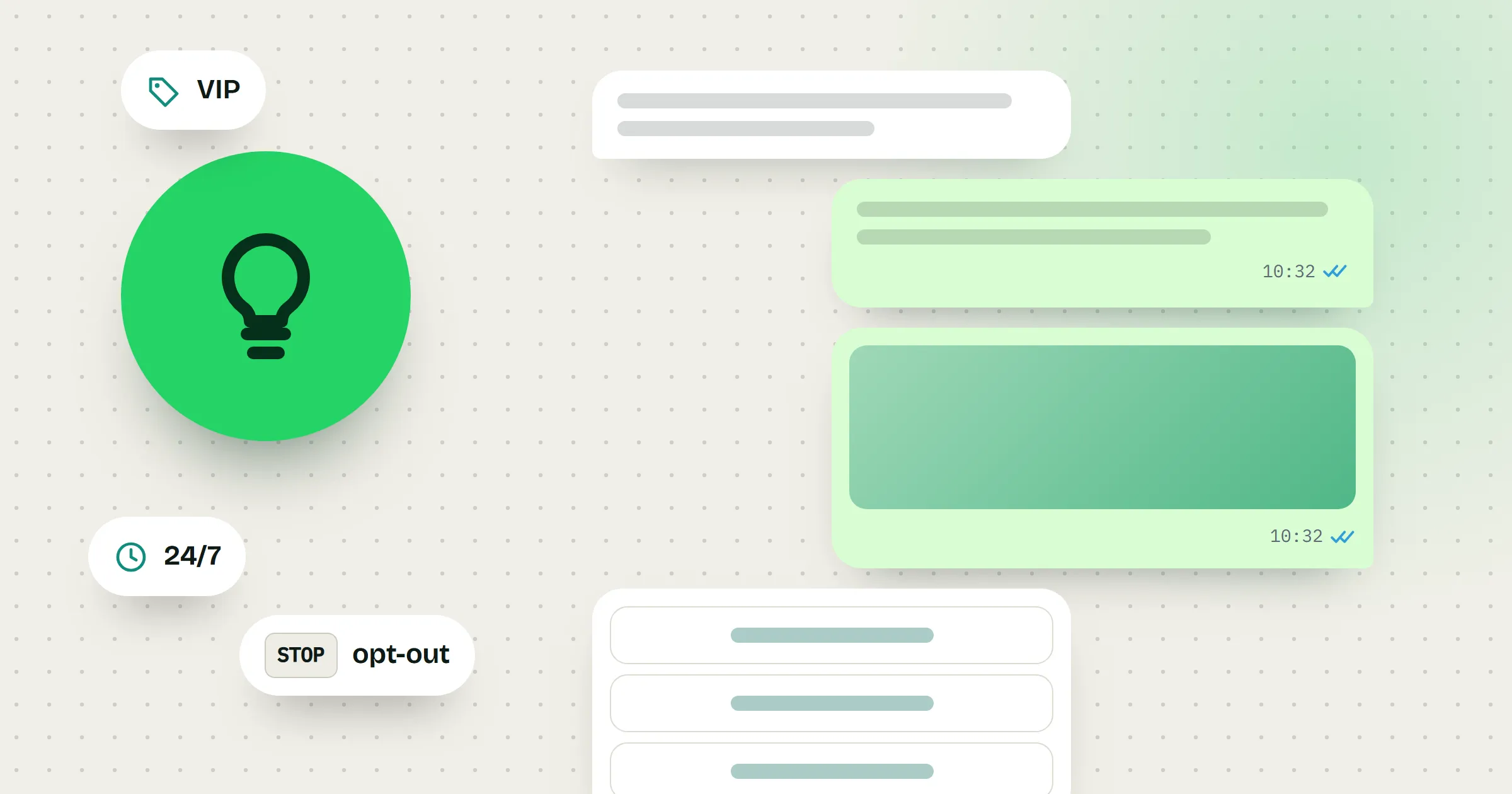
This guide is for business owners and small teams who sell or support customers on WhatsApp, such as a baju kurung shop, a home-tuition centre, a car-rental agent or a clinic. It gives you ten habits that bring more replies without annoying your contacts or putting your number at risk.
1. Get permission, and make leaving easy
People who asked to hear from you expect your messages. People who never asked are more likely to block you. WhatsApp’s Business Messaging Policy says you need opt-in permission before you message someone, and that you must respect every request to stop, whether it reaches you on WhatsApp or anywhere else.
- Ask at the moment of contact. At the counter: “Can we WhatsApp you when the new Raya collection arrives?” On an order form: a tick box that says what you will send.
- Note how and when each person agreed, for example “opted in at checkout”.
- Tell people how to stop. End promotional messages with a line like “Reply STOP if you don’t want promos.”
In MacroWA, opt-out keywords (STOP, BERHENTI) and opt-in keywords (YA, SETUJU, START) update the contact automatically. Opted-out contacts are never messaged, and campaigns only go to contacts who opted in.
2. Reply fast, even after closing time
A customer looking for a car this weekend will message three rental agents at once. Answer the next morning and they may have booked elsewhere.
- At the very least, set an away message. In the WhatsApp Business app you can set it to go out only outside your business hours, and say when you’ll be back.
- Better, answer the common questions straight away. A keyword reply to “price” or “harga” can send your rates at 11 pm.
- For questions you can’t predict, an AI agent can answer from your own products, prices and FAQs, within rules you set, such as “hand over when unsure”.
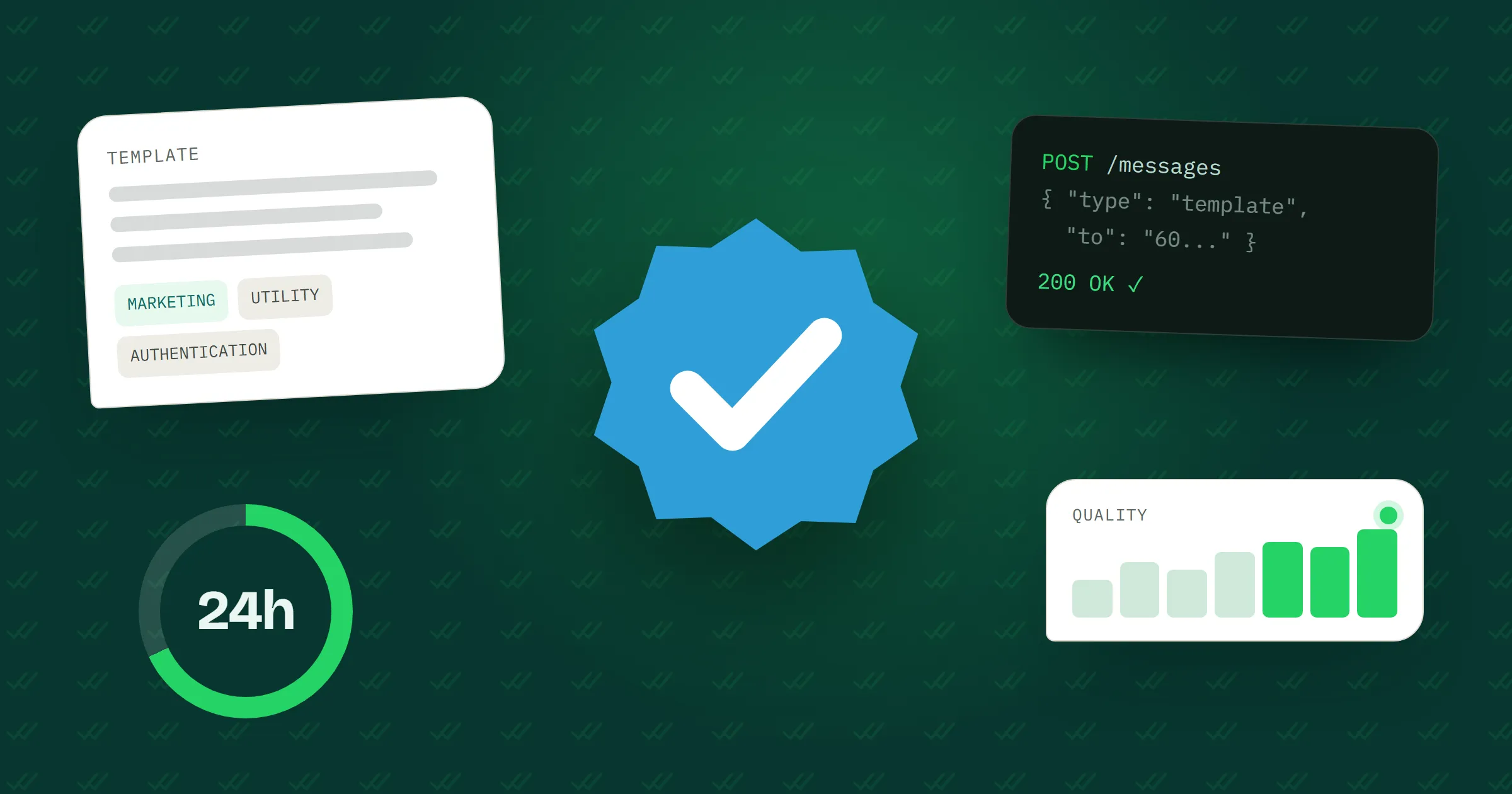
On the official WhatsApp Business API there is one more reason to be quick: free-form replies are allowed only within 24 hours of the customer’s last message. After that, you need a template Meta has approved.
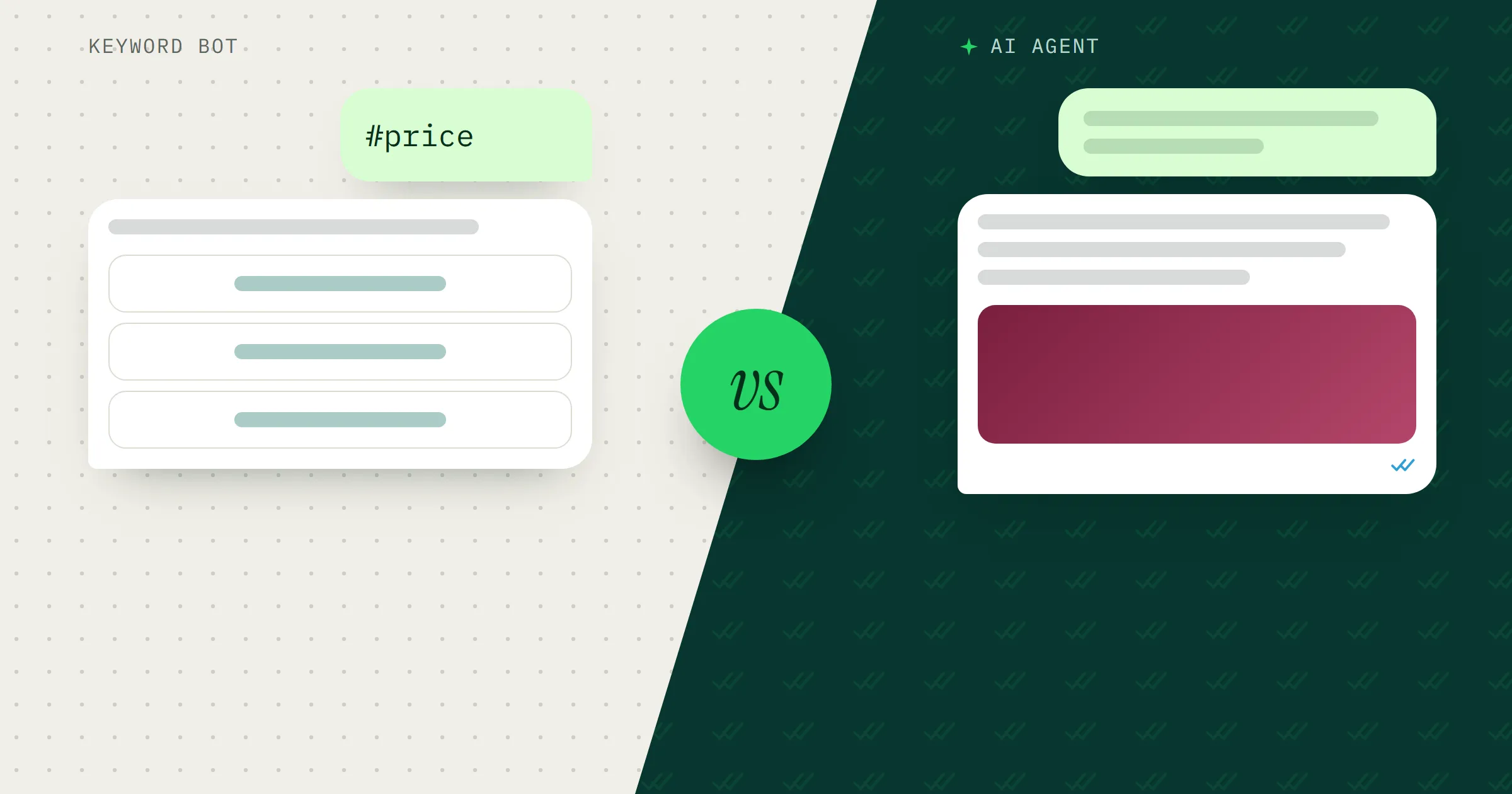
MacroWA’s Auto Reply answers keywords, any message or new contacts, and AI Smart Reply covers the rest from knowledge you approve. Not sure which you need? Read chatbot vs AI agent.
3. Fill in your business profile
If your hours and address are on your profile, customers don’t have to ask and you don’t have to answer.
In the WhatsApp Business app, the profile can show a description, address, business hours, category, email and website, plus a catalogue people can browse before they message. For a clinic, the hours and the full address (floor and unit number included) matter most. For a baju kurung shop, it’s the catalogue.
Set your hours there and the away message from tip 2 can go out only when you’re closed.
4. Segment your contacts instead of blasting everyone
The parent of a Form 5 student does not care about your Year 4 English class. Every message that doesn’t apply to someone gives them a reason to mute or block you.
- Sort contacts by what they asked about or bought: “SPM Add Maths”, “Year 4 English”, “enquired, not enrolled”.
- Use tags for things that change, like paid or pending, and groups for the lists you send to.
- Send each message to the smallest group it fits.
MacroWA imports contacts from CSV into groups and tags, with custom fields on each contact. A flow can also tag people automatically, for example everyone who picks “Add Maths” from a menu.
5. Personalise with what you actually know
“Your 7-seater is ready for pickup at 9 am tomorrow” reads like a message for you. “Dear valued customer” reads like a mass message.
- Keep a few useful fields on each contact: name, last purchase, branch, class or appointment date.
- Use them where they help. A clinic reminder that names the doctor and the time is more useful than “don’t forget your appointment”.
- Don’t guess. If the name field is empty or says “Abang Kereta”, leave the name out.
In MacroWA, every contact keeps custom fields, and a flow can save a customer’s answer and branch on it later.
6. Keep broadcasts relevant and spaced out
Before every broadcast, ask one question: would this person be glad to get it? New stock in the size they bought last time, yes. A “Happy Monday” graphic, probably not.
- Pick a rhythm and keep to it. One new-arrivals message a week is easier to welcome than three promos in two days.
- Respect quiet hours. Skip late nights, early mornings and Friday prayer time.
MacroWA campaigns support scheduling and quiet hours, and go only to opted-in contacts. On the official API, broadcasts use approved templates and can be scheduled for a contact group.
7. Make replying one tap
Typing a full answer on a phone takes effort. Tapping a button doesn’t.
- Replace “Reply 1 for prices, 2 for location” with real buttons or a menu.
- Keep the choices short. On the official API, a reply-button message can carry up to three buttons.
- For longer input, like a booking with a date, time and doctor, the official API supports WhatsApp Flows, a form filled in inside the chat.
A MacroWA flow can send buttons or menus, and a button or menu reply can start the next flow. How WhatsApp automation flows work walks through an example.
8. Send the file, not the essay
A long paragraph about rates gets skimmed. A one-page price list as a PDF can be saved and forwarded to whoever makes the decision at home.
- Car rental: one photo of the actual car, then the daily rate and deposit in two lines.
- Baju kurung shop: a photo of the piece in each colour, not a paragraph describing the colours.
- Keep the caption short and end with one clear question, such as “Which size?”
MacroWA’s Quick Send sends a text, image, video, audio file or document in seconds. Each AI agent also has a media library of images and PDFs with descriptions, and picks the right one to send.
9. Hand over to a person at the right moment
A bot is fine for opening hours, prices and directions. Complaints, refunds and unusual requests need a person. WhatsApp’s policy also says that if you automate, customers must have a prompt, clear and direct way to reach a human.
- Decide what triggers a hand-off: an angry message, a refund question, a large order, or the customer typing “staff”.
- Tell the customer what happens next: “I’ve passed this to Aisyah. She’ll reply within the hour.” Only promise a time your team can keep.
- Make sure the bot goes quiet once a person steps in.
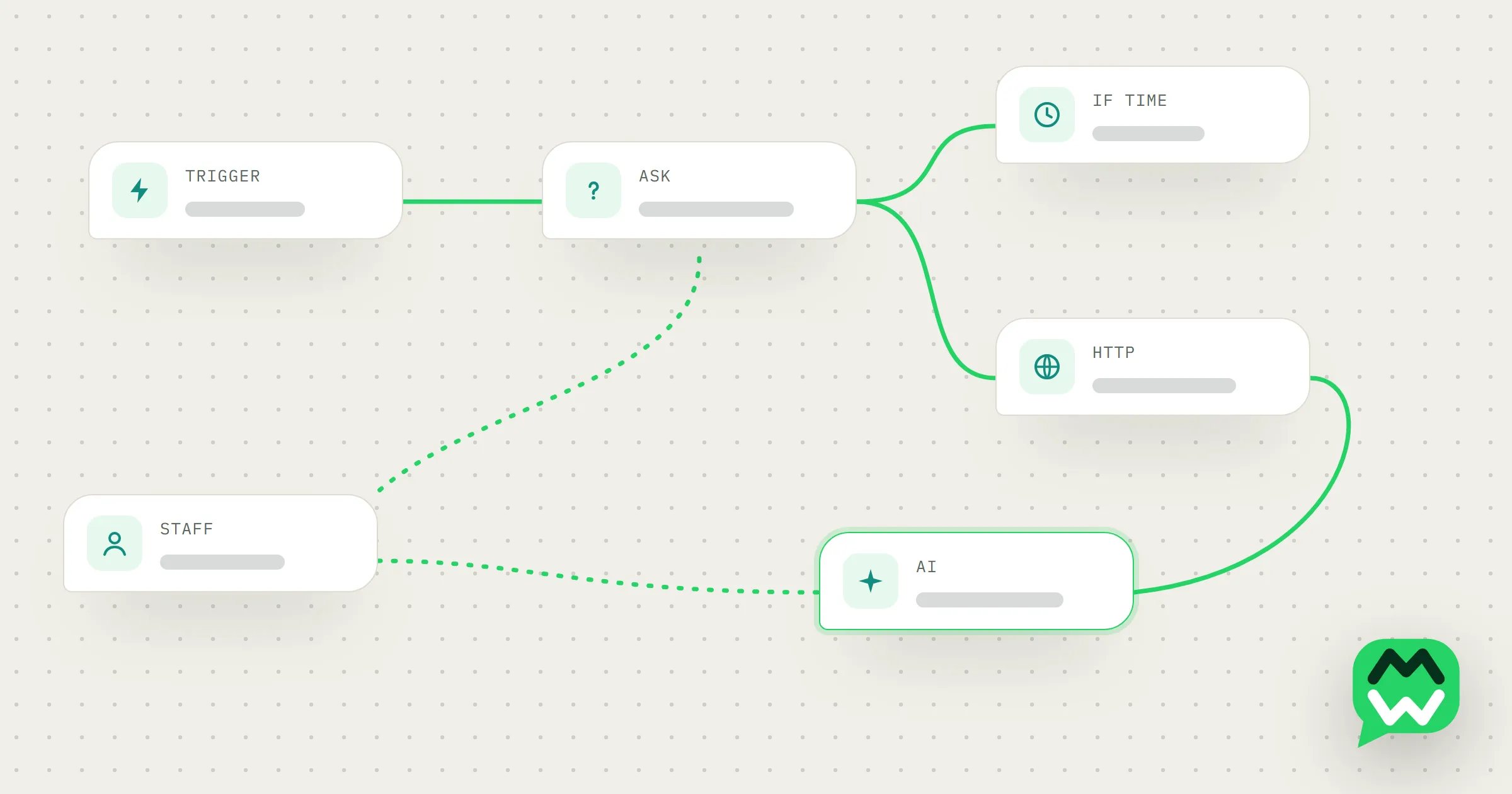
In MacroWA, when your staff reply from the phone or the dashboard, the bot pauses for that customer automatically (30 minutes by default, adjustable). A flow can also hand over on purpose with a hand-off step.
10. Watch your numbers
Delivered and read counts show whether a message landed. On the official API, Meta also gives the number itself a quality rating. Customers can block or report a business, and Meta’s policy says its systems may then limit how many messages that business can send.
- After each campaign, compare delivered with read. Many deliveries and few reads can point to a weak first line or bad timing.
- Look at the failed count. A high one can mean old or mistyped numbers in your list, so clean them out.
- On the official API, check the quality rating and messaging limit in WhatsApp Manager. If the rating drops, review recent broadcasts before sending another.
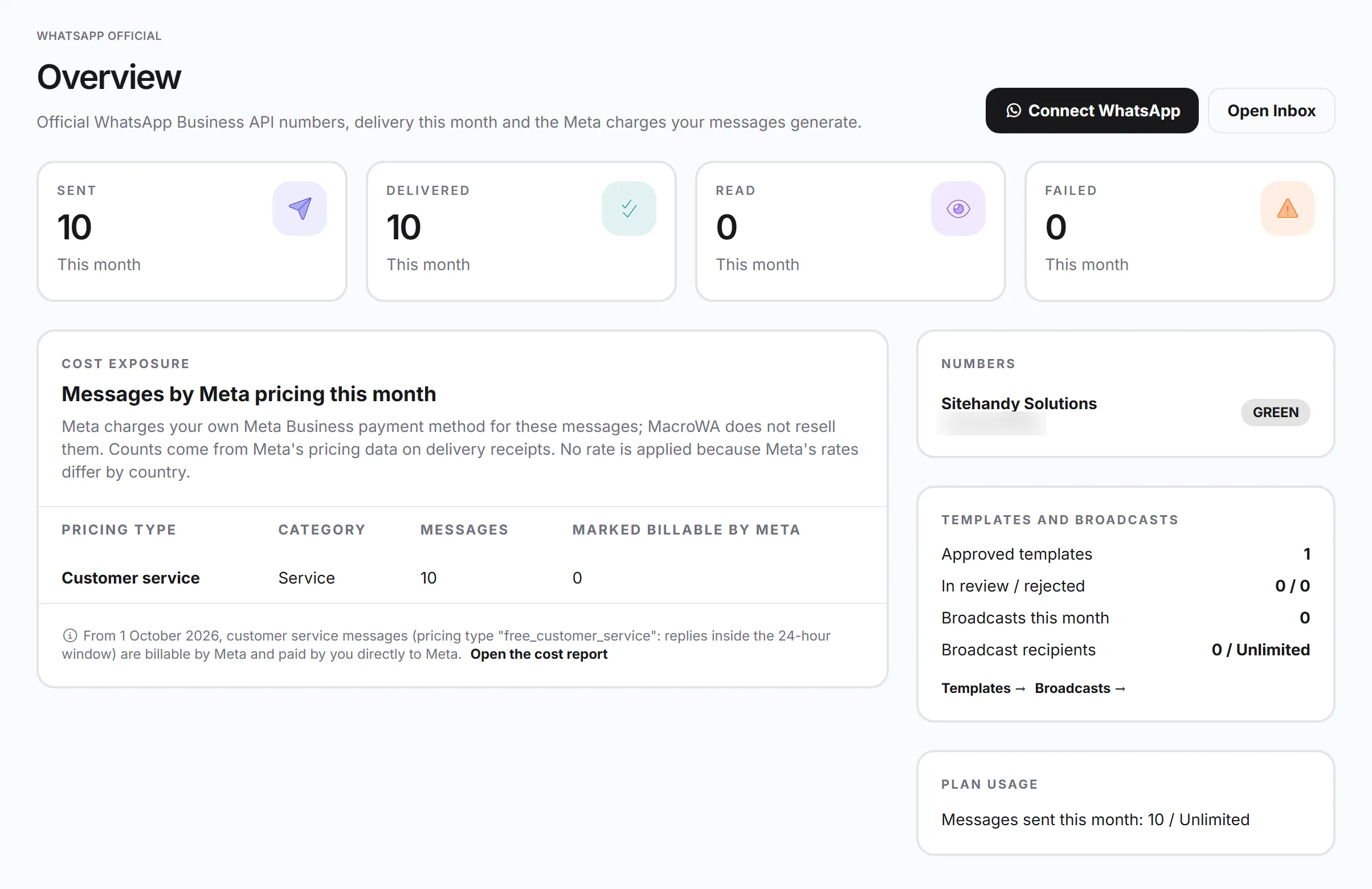
MacroWA tracks delivery and read status, and shows the quality rating, messaging limit tier and account status of each official API number, with links that open WhatsApp Manager. For numbers connected by scanning a QR code, the Devices & QR page shows whether each one is still connected.
Where to go next
Still deciding how to connect your number? Read what the WhatsApp Business API is and compare it with the QR-code quick start on the features page. The AI page shows how an agent learns your products, and the FAQ covers opt-outs and staff hand-off.